Adding alerts to Spiderplant Sensors
September 23, 2025 • 👁️ Loading...
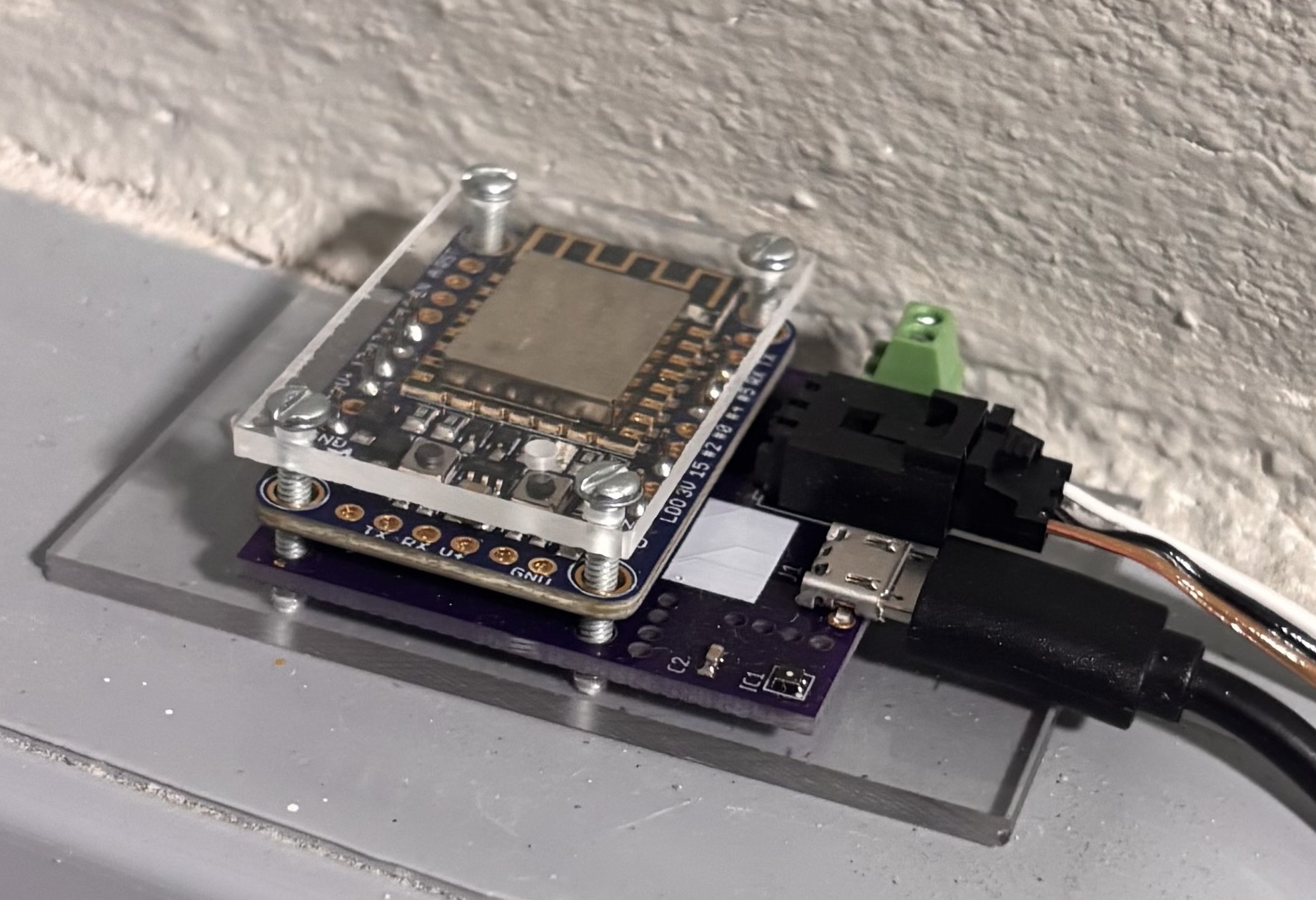
My friend Bob makes these absolutely brilliant sensors and runs the cloud service behind them. The sensors were originally built to monitor temperature and humidity. Bob came to visit and brought one for me. I put it in my storage room where we also have a fridge that sometimes gets too hot when the door is ajar.
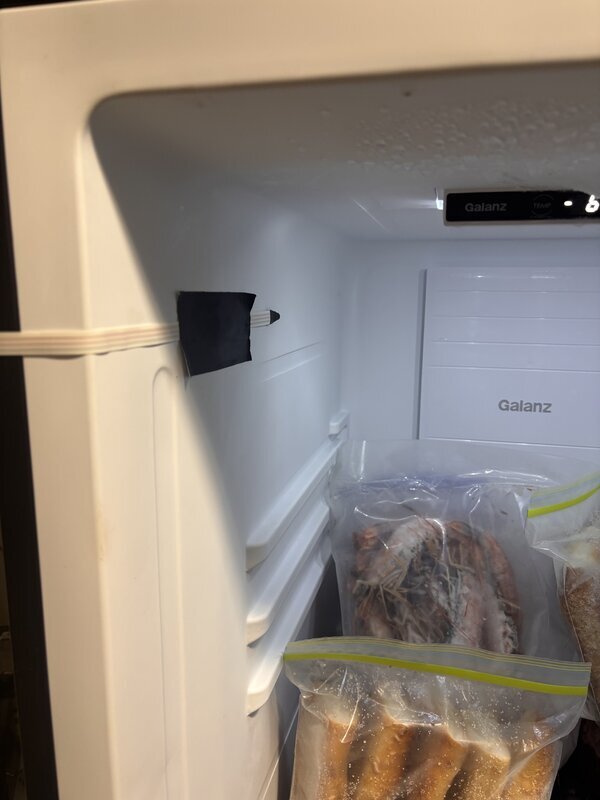
Expanding the Sensor Setup
While Bob was visiting I asked him if he could add some sort of sensor that would work for my water tanks, that occasionally misbehave.
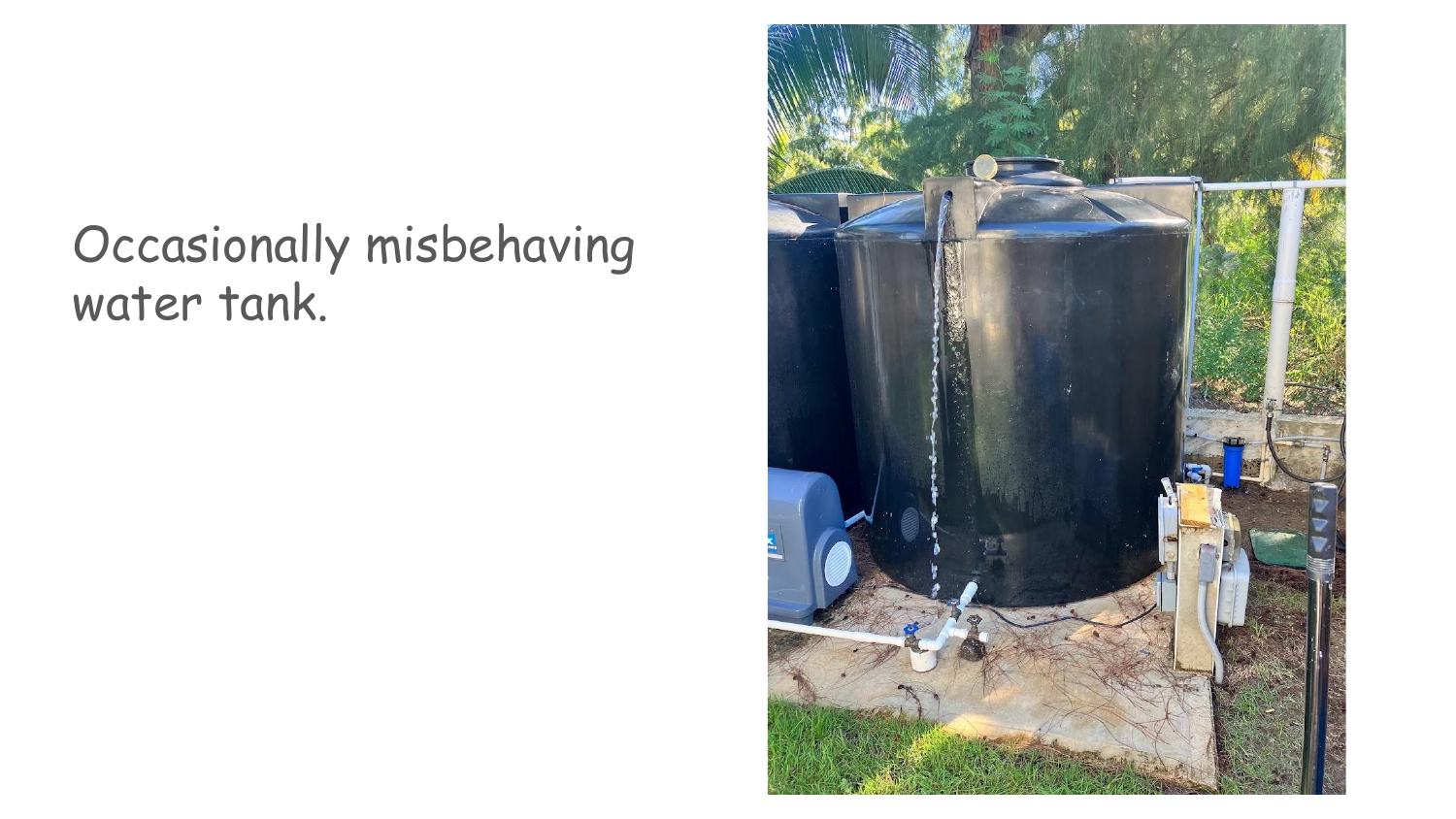
He said he could probably add support for an ultrasonic distance sensor. Lucky me, a few weeks later Bob sent me a new Spiderplant therm with an ultrasonic sensor!
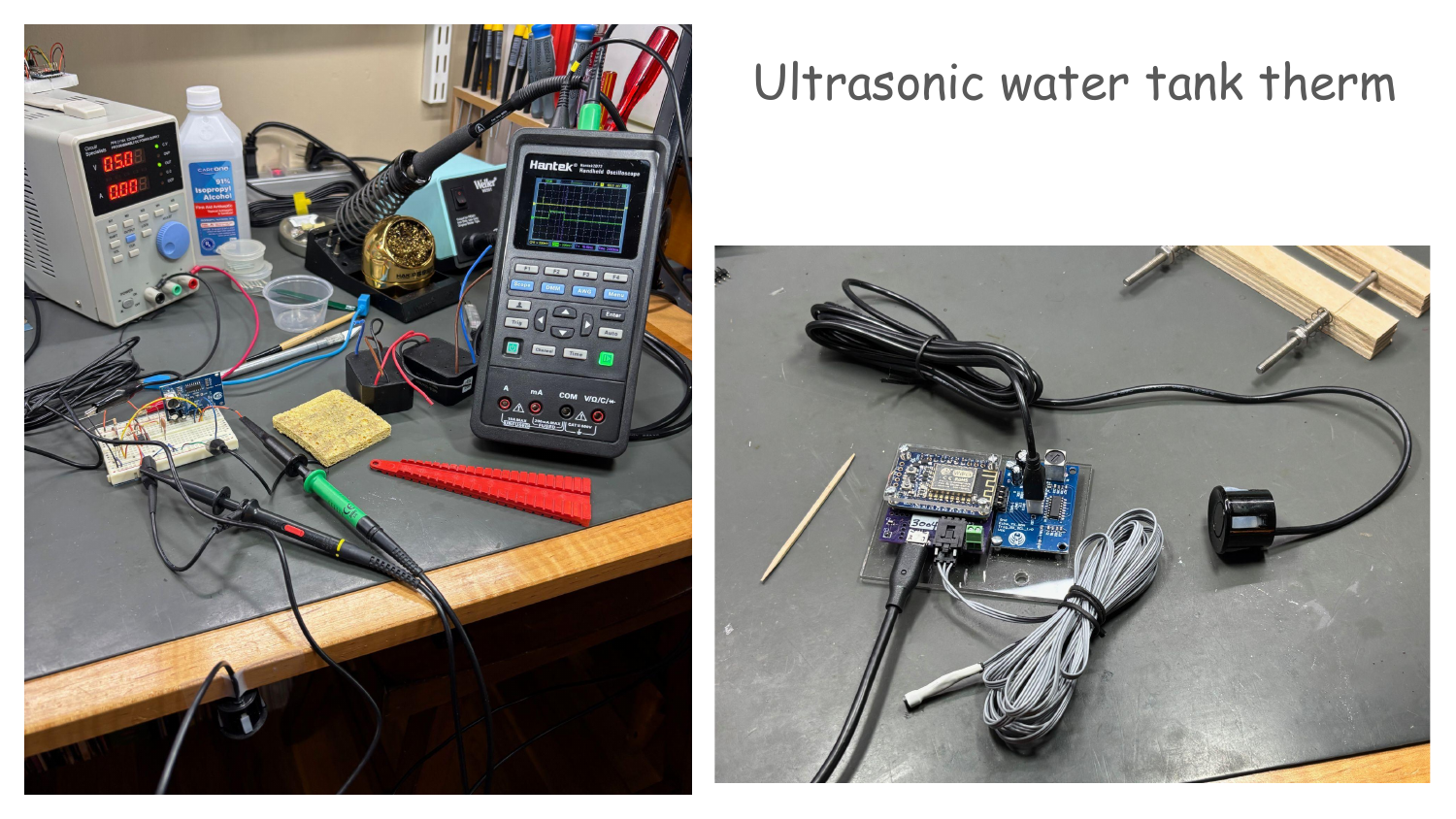
I used to have mechanical gauges but they failed pretty quickly.
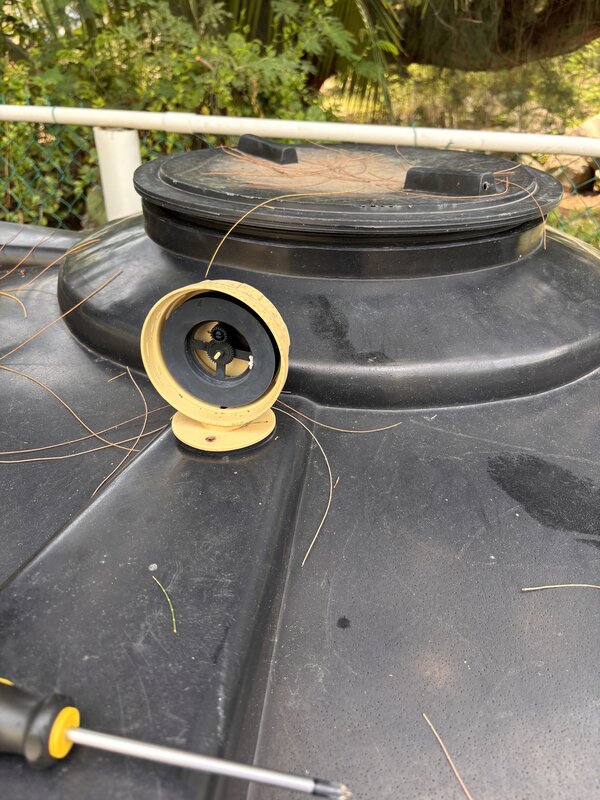
Luckily the new ultrasonic sensor fits right inside the fitting from the old gauge!
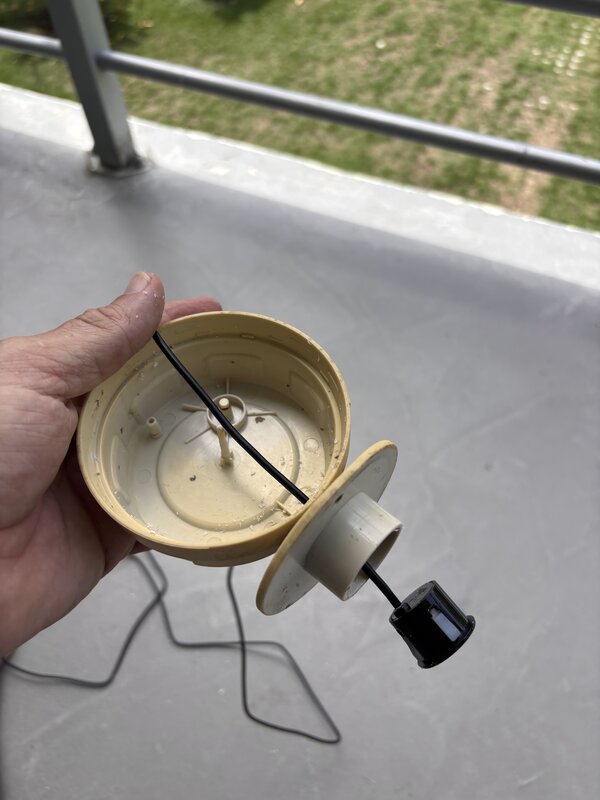
Now we can measure everything!
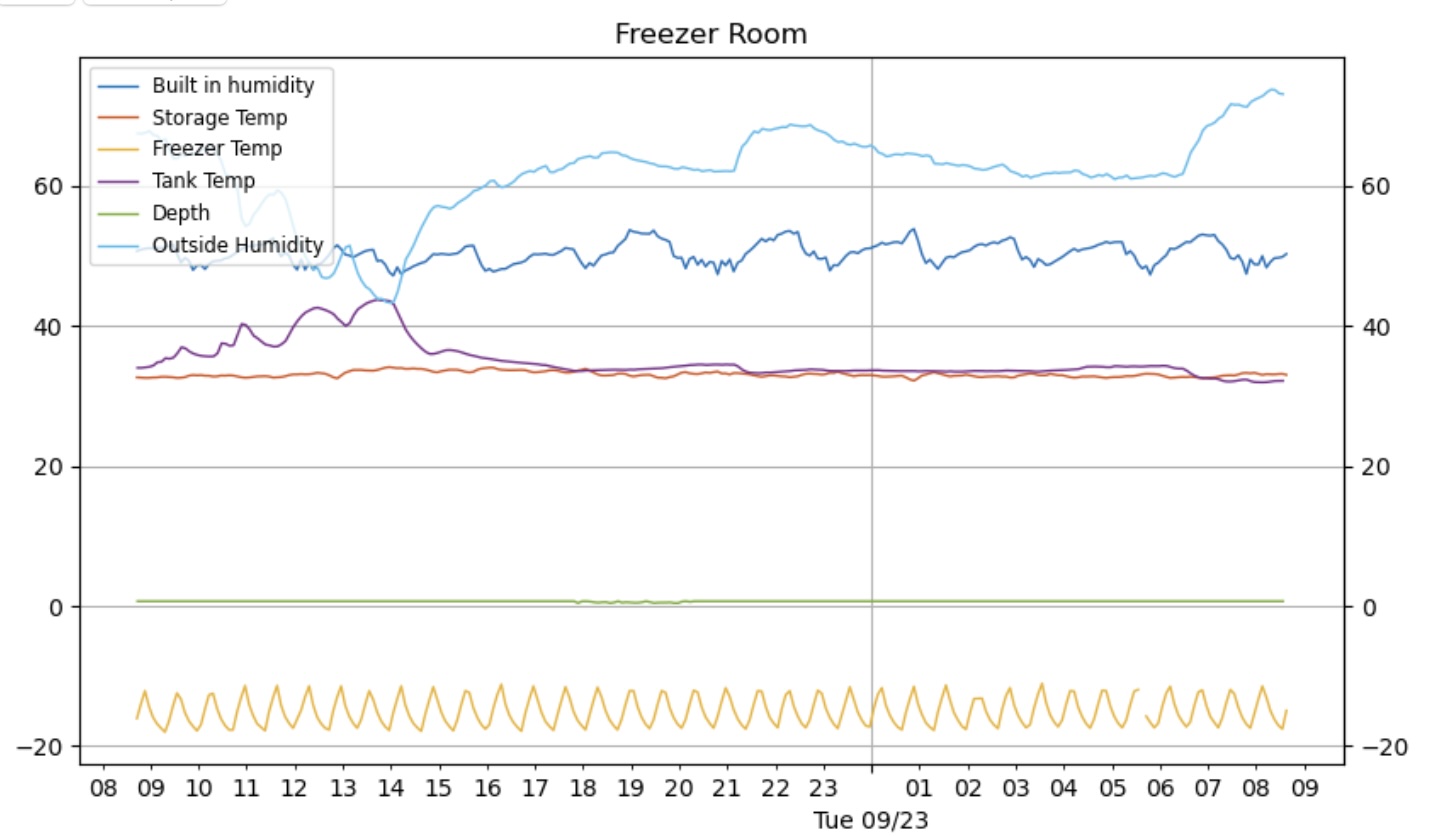
Wiring In Alerts
Graphs are nice, but I really wanted a nudge when something is drifting. Cloudflare Workers can run on a cron schedule, so a worker now polls the Spiderplant APIs, compares readings against limits, and triggers notifications the moment a threshold is crossed.
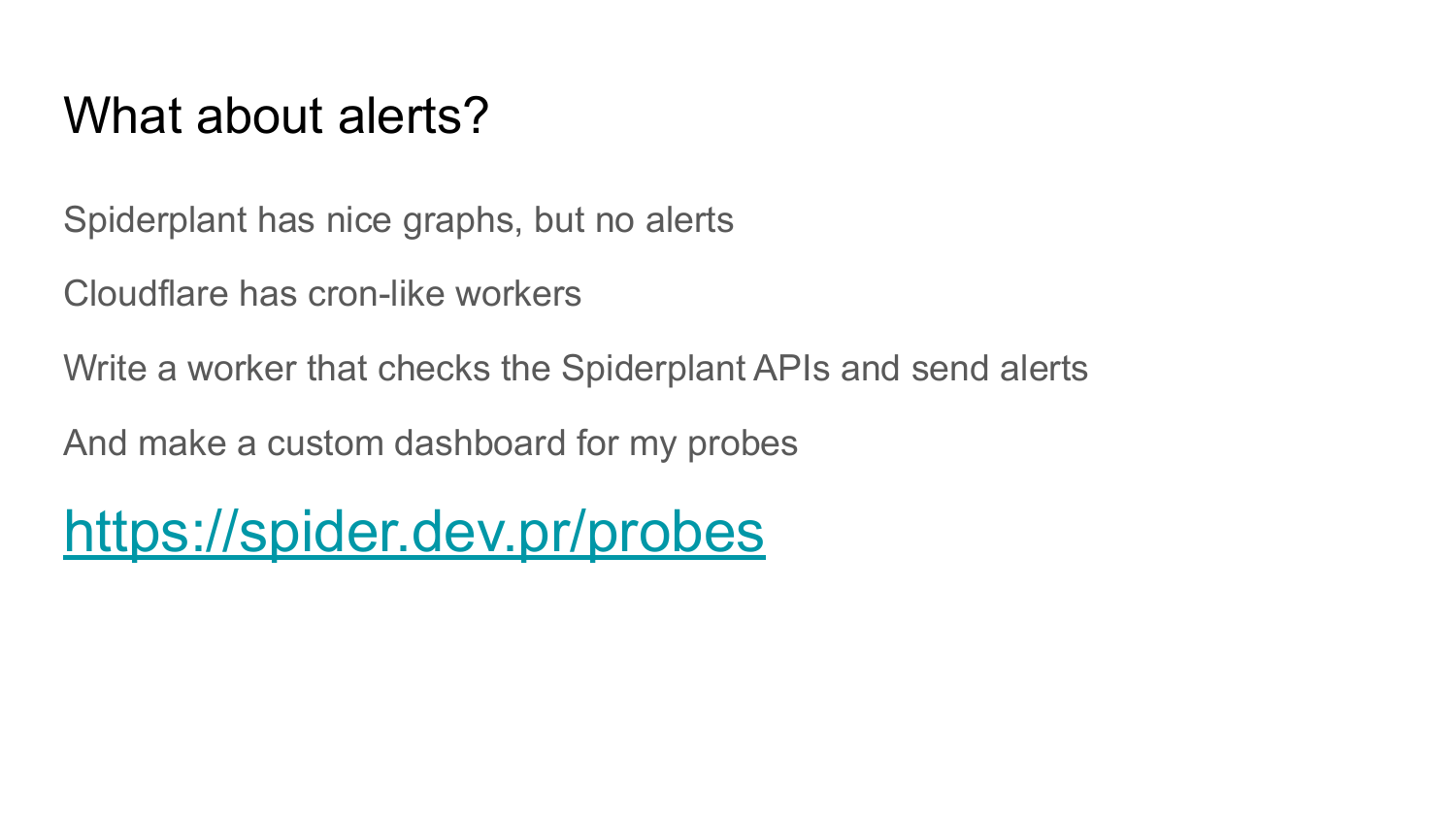
Alerts land on my phone through Pushover; the worker just hits their API with a short payload. It's a much kinder wake-up call than opening the freezer to find a puddle.
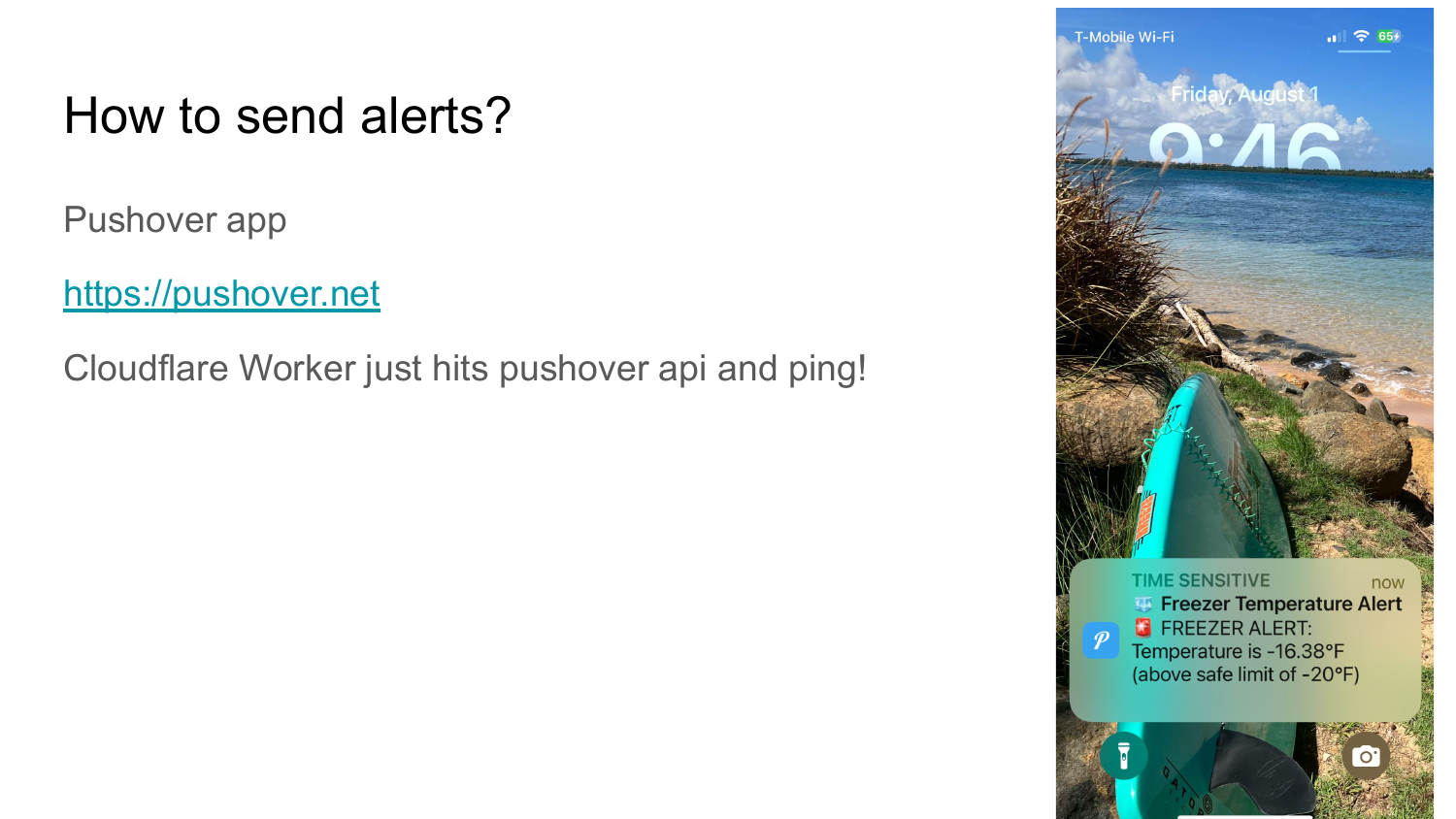
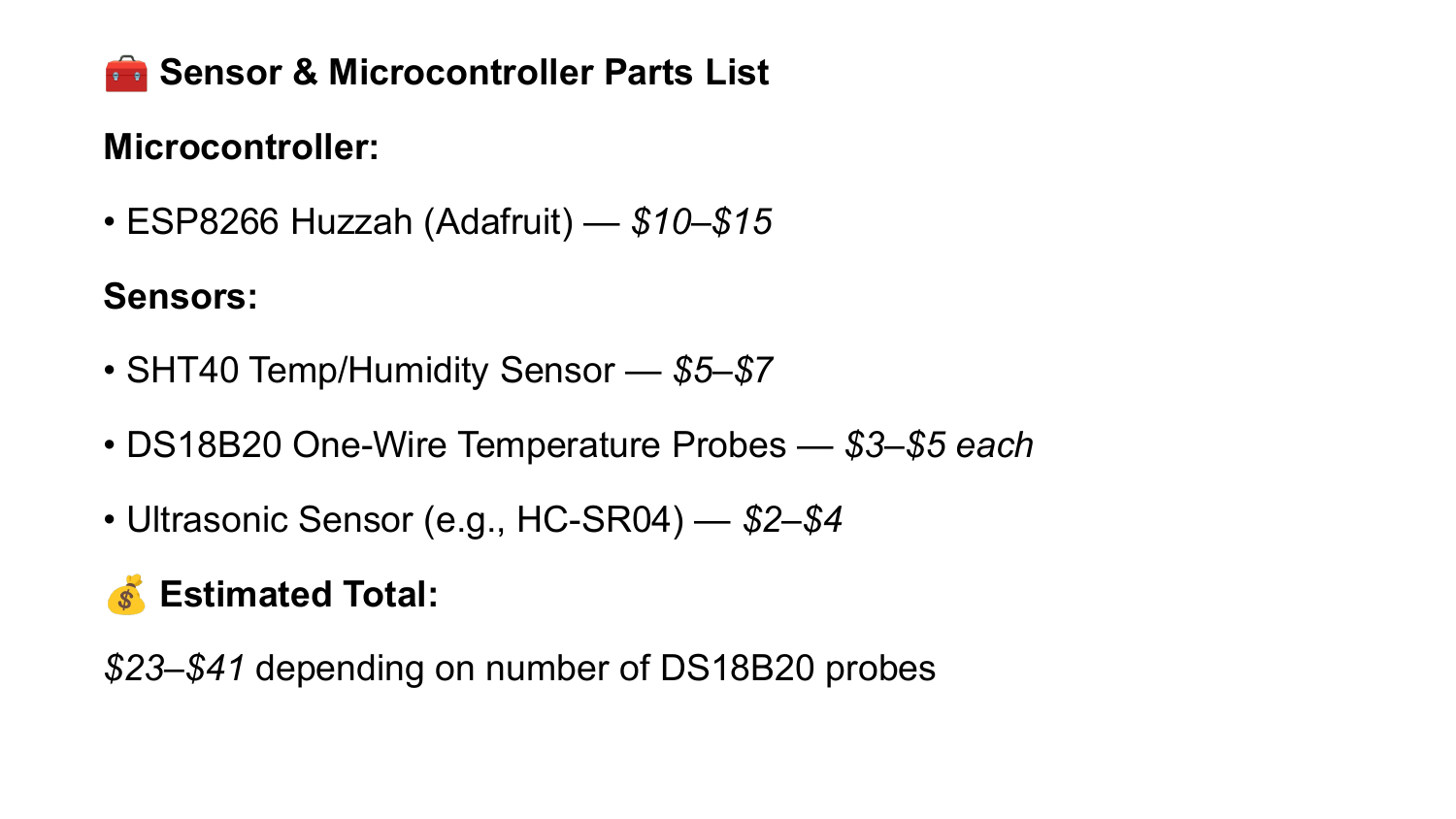
For reference, here's the parts bundle that powers the setup:
- Microcontroller: ESP8266 Huzzah (Adafruit) — $10–$15
- Sensors: SHT40 temp/humidity ($5–$7), DS18B20 one-wire probes ($3–$5 each), HC-SR04 ultrasonic depth sensor ($2–$4)
- Estimated total: $23–$41 depending on how many DS18B20 probes you hang off the bus
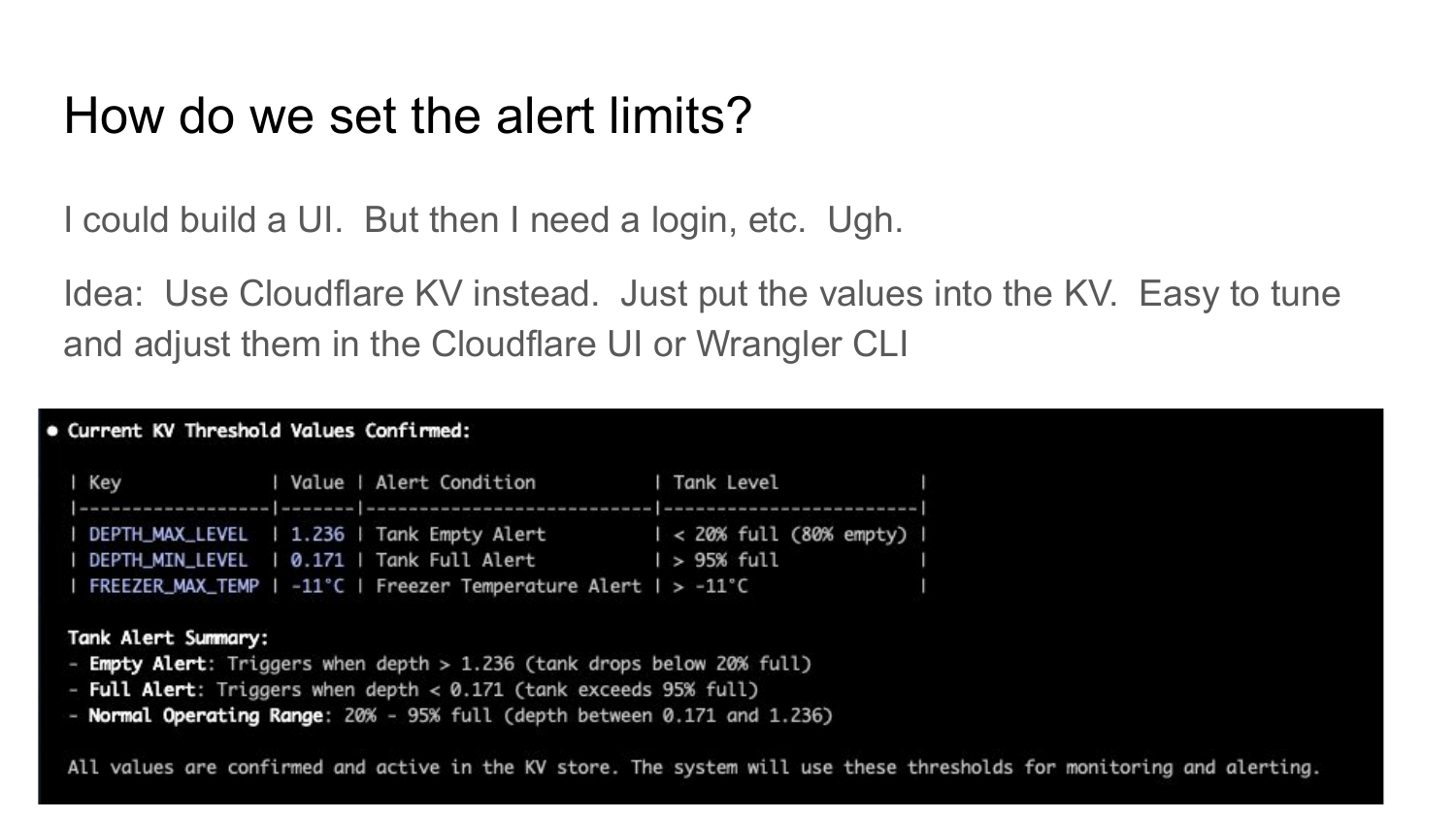
Managing Thresholds Without a UI
Instead of building a full settings panel, I stash the alert limits in Cloudflare KV so they're editable right from the Workers dashboard or the Wrangler CLI.
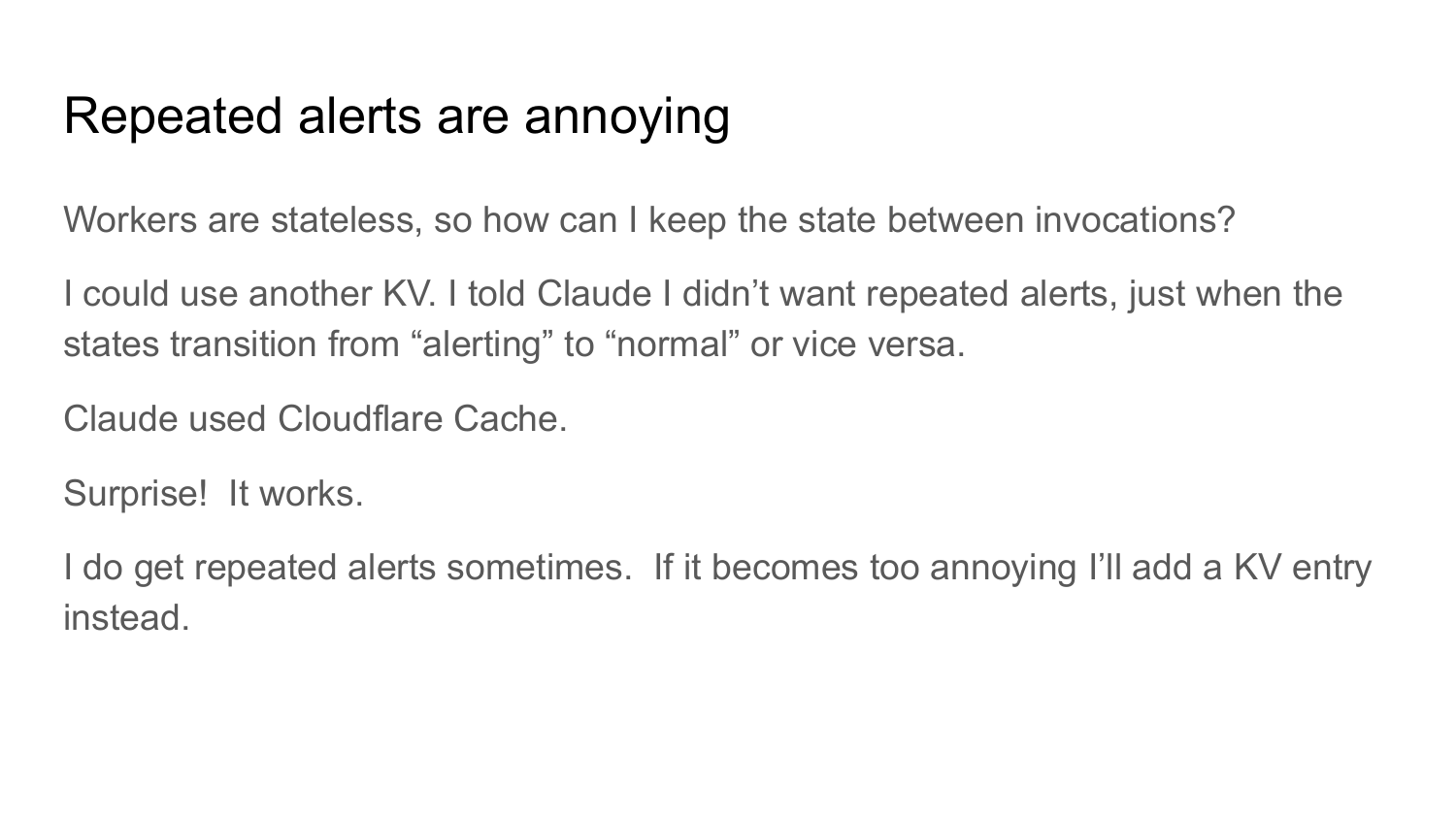
Workers are stateless, so I lean on Cloudflare cache objects to remember whether a probe is already in an alerting state. It keeps duplicate notifications in check, and if it ever gets noisy I can still fall back to KV-backed state.
You can browse the public Spiderplant graphs at spider.dev.pr/tw/open.html, or grab the project notes (PDF) if you want the visuals that inspired the screenshots.
The problem? Bob's lab environment runs everything over HTTP, which is fine for internal use, but I wanted proper HTTPS access and some additional features like configurable alerts. Plus, having APIs that I could actually integrate with other services would be fantastic.
So naturally, I did what any reasonable person would do - I built a proxy service hosted on Cloudflare Workers to solve all these problems at once.
The Solution: A Cloudflare Workers Proxy
The code is up on GitHub if you want to follow along. The basic concept is straightforward: create an HTTPS proxy that sits between the internet and Bob's HTTP-only service, while adding some useful features along the way.
How It Works
The proxy is elegantly simple. When you hit spider.dev.pr (my Cloudflare Workers domain), it:
- Forwards your request to the corresponding HTTP URL at
lab.spiderplant.com - Rewrites any redirect headers to maintain HTTPS throughout
- Caches GET requests for 5 minutes to reduce load on Bob's servers
- Adds CORS headers so browsers don't complain about cross-origin requests
The beauty of using Cloudflare Workers is that it's serverless - I don't need to maintain any infrastructure, it scales automatically, and it's ridiculously fast thanks to Cloudflare's global edge network.
The APIs That Actually Matter
One of the best parts about building this proxy was finally having proper APIs to work with. Here's what's available:
Device Information (/api/devices)
{
  "devices": [
    {
      "id": "sensor_001",
      "name": "Freezer Monitor",
      "lastReport": "2024-01-15T14:30:00Z"
    }
  ]
}
All Sensor Probes (/api/probes)
Lists every probe with details like ID, name, type, and the last reading.
Specific Probe Values (/api/probes/{probe_id})
The real money shot - current sensor readings with timestamps and metadata.
Adding Smart Alerts
Here's where things get interesting. Using Cloudflare's KV storage, I can configure alert thresholds for different sensors without touching code. The system runs a cron job every 15 minutes to check all probe values against their configured thresholds.
When something goes wrong - like the freezer temperature spiking or the water tank running low - I get instant Pushover notifications on my phone. No more discovering problems hours later.
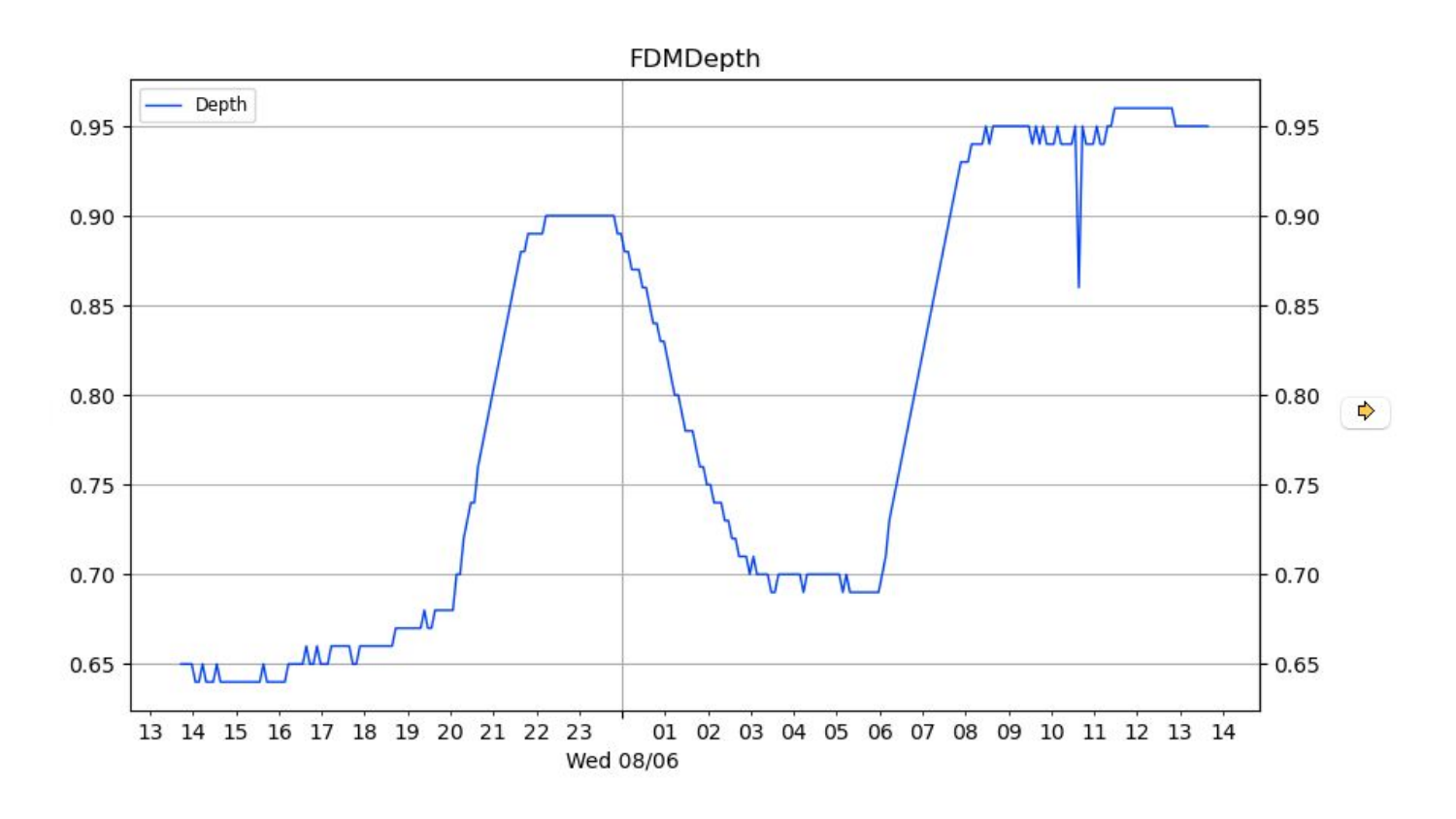
The alert configuration is dead simple. Just store threshold values in KV storage like:
probe_freezer_temp_max: -10
probe_water_level_min: 20
The worker automatically picks up these configurations and monitors accordingly.
Why This Architecture Works
Using Cloudflare Workers for this proxy made perfect sense:
- Zero infrastructure maintenance - it just runs
- Global edge deployment - fast responses from anywhere
- Built-in caching - reduces load on Bob's servers
- KV storage - perfect for configuration and state
- Cron triggers - automated monitoring without external services
The entire system costs basically nothing to run (thanks to Cloudflare's generous free tier) and provides enterprise-level reliability for a hobby project.
The Results
Now I have:
- ✅ Secure HTTPS access to all sensor data
- ✅ Clean REST APIs for integration with other services
- ✅ Configurable alerts that actually notify me when things go wrong
- ✅ Automatic caching to keep things fast
- ✅ Zero maintenance overhead
The sensors are now monitoring my freezer temperature and water tank levels, with alerts configured so I know immediately if something needs attention. Bob's original hardware and cloud service remain unchanged - the proxy just adds the features I needed on top.
Pro tip: If you're dealing with any HTTP-only service that you need to access securely or extend with additional features, Cloudflare Workers is an excellent solution. The development experience is smooth, deployment is instant, and the global performance is hard to beat.
Next up, I'm thinking about adding trend analysis and maybe some simple dashboards. But honestly, having reliable alerts for critical environmental monitoring has already solved my biggest problem.
The code is open source at github.com/adamb/spider if you want to build something similar for your own sensors or services.